How to Apply for Driving Licence Online: Educational Guide for DL
⚠ Public Notice & Legal Disclaimer:
vehicleownerdetaill.com is an independent educational blog. This portal is NOT affiliated with, associated with, authorized by, endorsed by, or in any way officially connected with the Ministry of Road Transport and Highways (MoRTH), any State RTO, or Sarathi Parivahan. The official portal for driving license applications, learner permits, and official services is sarathi.parivahan.gov.in. We do not issue licenses, collect test fees, process applications, or access government databases
How to Apply for Driving License Online: Educational Guide for DL
A driving license (DL) is an official legal document issued by regional transport offices (RTOs) in India that permits citizens to operate motor vehicles on public roads. Understanding the eligibility criteria, required documentation, and official application workflow is essential for legal compliance.
This independent informational guide explains the legal workflow to apply for a driver’s license strictly through official government channels.
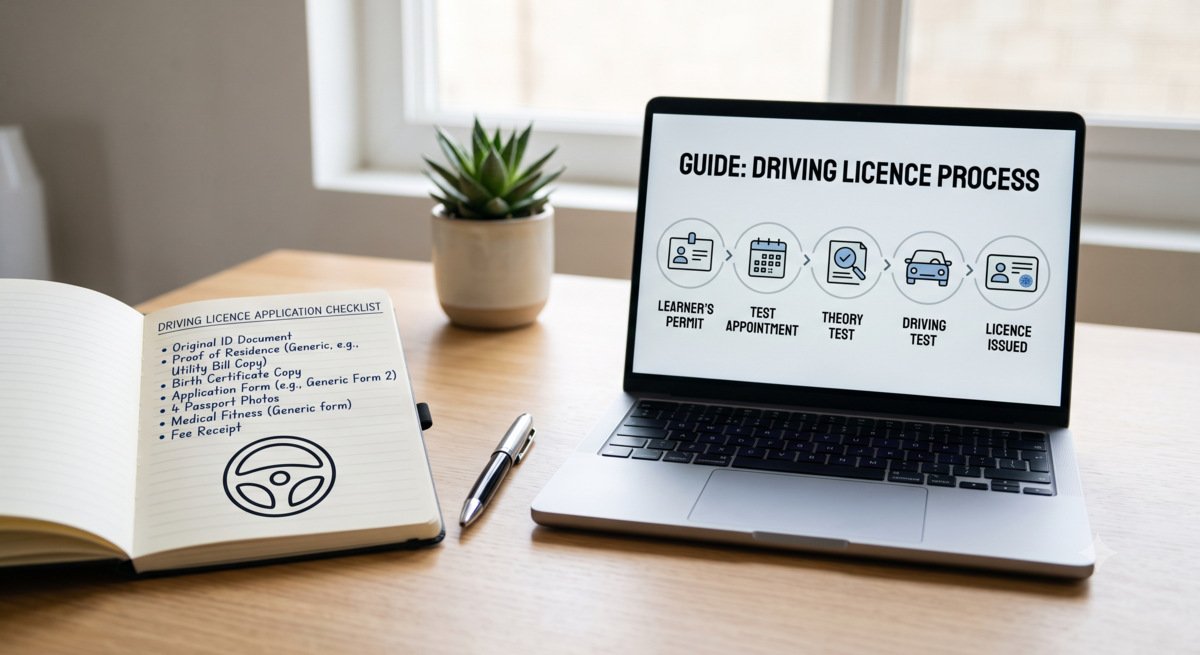
Prerequisites & Eligibility for Driving License
Before initiating an application on government transport portals, applicants must meet specific legal age and documentation requirements mandated by the Motor Vehicles Act:
- Learner’s License (LL): Applicants must hold a valid Learner’s License for a minimum of 30 days before applying for a permanent DL.
- Age Eligibility: 18 years for geared vehicles (16 years for non-geared motor vehicles under 50 cc with parental consent).
- Proof of Identity & Address: Valid Aadhaar card, passport, voter ID, or utility bills.
- Proof of Age: Birth Certificate, School Leaving Certificate, or Passport.
- Form 1 & Form 1A: Self-declaration of physical fitness or a medical certificate issued by a registered practitioner (mandatory for commercial categories).
Step-by-Step Authorized Workflow on Sarathi Portal
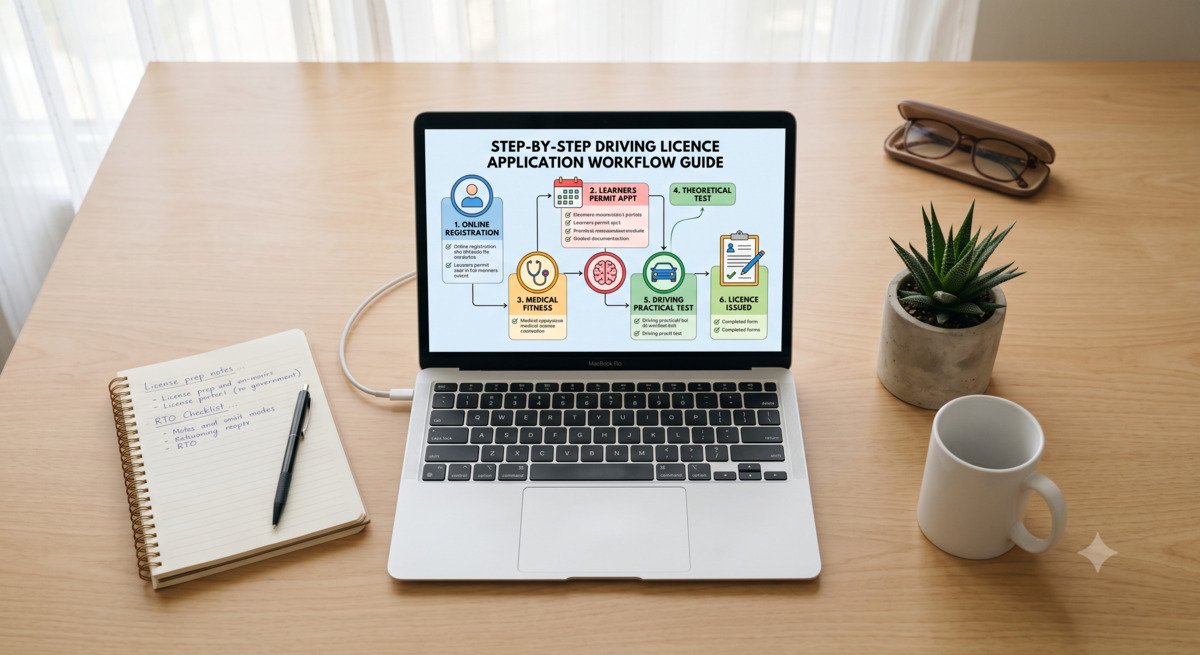
Citizens must complete their driver’s license application and slot booking exclusively on government-secured web applications:
- Navigate to the official Sarathi portal: sarathi.parivahan.gov.in.
- Select your respective state from the official dropdown list.
- Click on “Apply for Driving License” from the citizen services menu.
- Enter your existing learner’s license number and date of birth to auto-fill applicant details.
- Upload scanned copies of required proof documents and photo/signature if prompted.
- Pay the statutory RTO application fee using the official treasury gateway and book a slot for the physical driving skill test at your designated RTO.
🛡️ Cyber Safety Warning:
Never share private identity credentials, Aadhaar OTPs, or process payments on unauthorized third-party blogs or private websites. Official driving tests and license issuances are conducted solely under RTO supervision via government portals ending strictly in .gov.in.
Frequently Asked Questions (FAQs)
1. Can I issue or download an official driving license from this blog?
No. Private websites cannot process or generate official driving documents. Valid digital licenses can only be viewed or stored via official platforms like DigiLocker or NextGen mParivahan.
2. What is the validity period of a permanent driving license?
A non-transport driving license is generally valid for 20 years from the date of issue or until the holder turns 40 years of age (whichever is earlier), after which periodic renewal is required.
3. What happens if an applicant fails the practical driving test at the RTO?
If an applicant fails the practical driving skill test, they can re-book a test slot after 7 days by paying the official re-test fee on the Sarathi portal.
Editorial Note: This content is maintained strictly for public educational purposes and digital safety awareness. For official fee structures, state-specific rules, and live application processing, visit sarathi.parivahan.gov.in.