Vehicle RC Status Online: Step-by-Step Educational Guide for Vahan Portal
⚠ Public Notice & Legal Disclaimer:
vehicleownerdetaill.com is a privately owned independent informational portal. This website is NOT affiliated, associated, authorized, endorsed by, or in any way officially connected with the Ministry of Road Transport and Highways (MoRTH), any State Regional Transport Office (RTO), or the official Vahan portal. To verify your official vehicle registration details, please visit the authorized government portal directly at parivahan.gov.in. We do not host vehicle databases, fetch private citizen data, or perform live RC checks.
Vehicle RC Status Online: An Educational Guide to Understanding Vahan Verification Services
A Registration Certificate (RC) serves as official legal proof of ownership for any motorized vehicle operating on public roads in India. Under the Central Motor Vehicles Rules, vehicle owners are required to maintain valid registration details within the national transport database.
This educational guide provides a clear overview of what vehicle registration details contain, why verification is necessary during secondary sales, and how citizens can check their RC status safely through authorized government systems.

What Details Are Recorded in a Vehicle Registration Certificate?
The centralized national database (Vahan) aggregates critical technical and administrative information about every registered vehicle to ensure public safety and lawful operation:
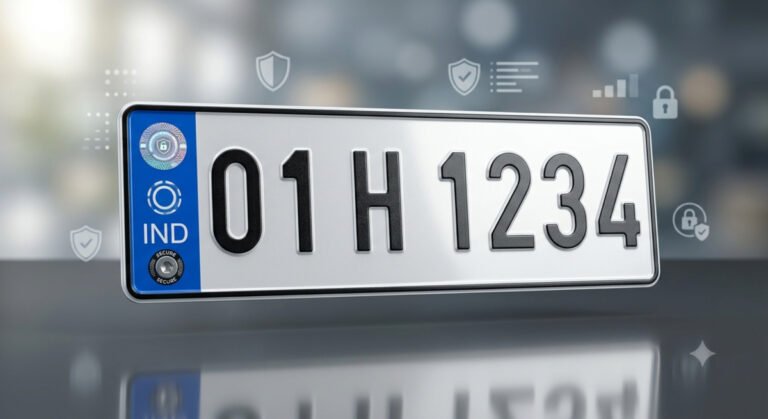
- Vehicle Registration Number & Date: The unique alphanumeric identification assigned by the local RTO upon initial registration.
- Owner Identification & Class: Information regarding ownership status (private/commercial) and vehicle classification (2-wheeler, LMV, HMV).
- Technical Parameters: Engine number, chassis number, displacement (CC), fuel type, and emission norms (BS4/BS6).
- Validity & Fitness Status: Expiry dates for registration validity, road tax compliance, and mandatory fitness certificates.
- Compliance Records: Status of mandatory third-party insurance coverage and Pollution Under Control (PUC) certification.
How to Safely Check Vehicle RC Status via Authorized Portals
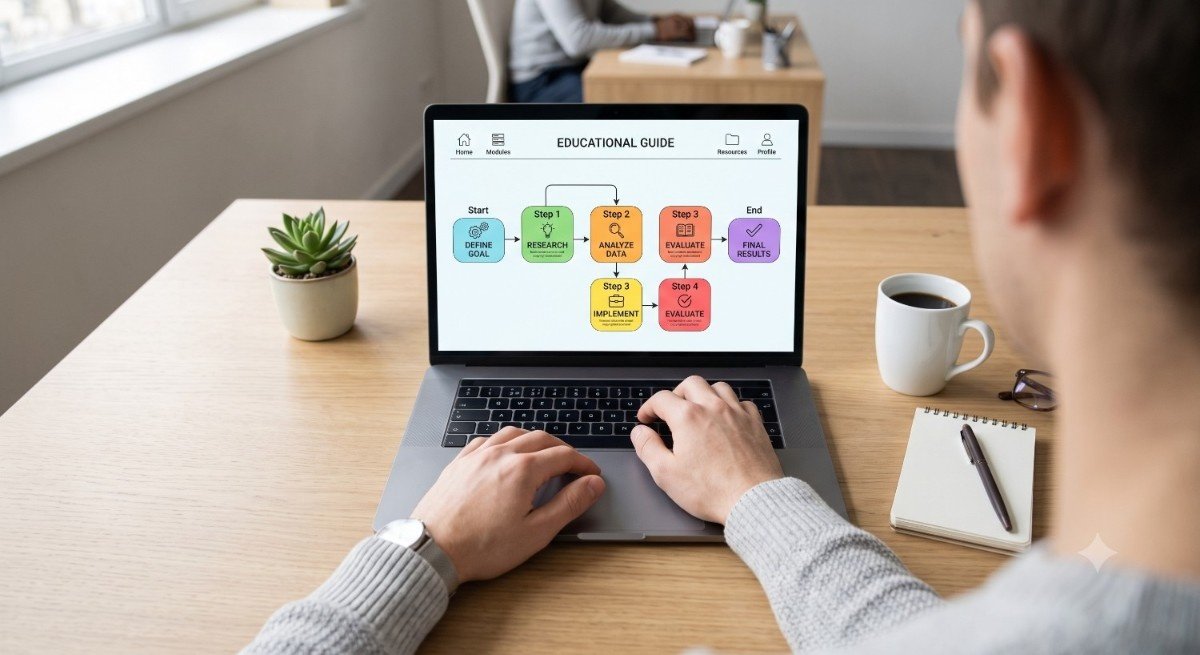
To protect your personal data and ensure information accuracy, citizens should avoid third-party form submissions and follow official, encrypted government workflows:
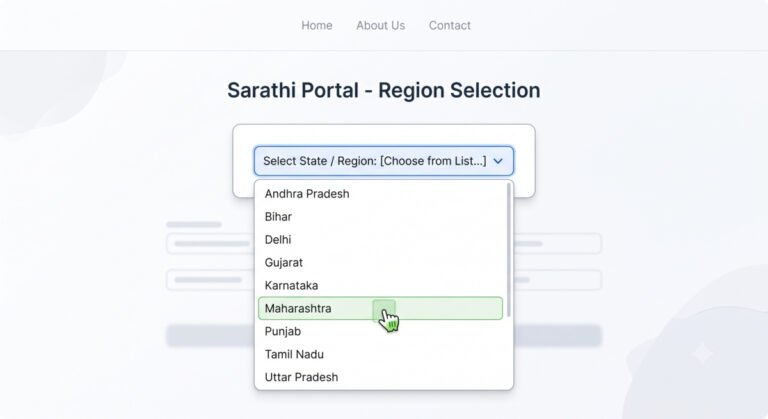
- Open your web browser and navigate directly to parivahan.gov.in.
- Select the “Informational Services” menu tab from the official homepage.
- Click on “Know Your Vehicle Details” to access the secure portal interface.
- Create or log in with your official citizen account using a verified mobile number and OTP authentication.
- Input the vehicle registration number and complete the security verification (CAPTCHA) to view official status details.
🛡️ Data Privacy & Scam Protection Warning:
Beware of unofficial third-party websites that ask for payment fees or request full confidential documents (like banking details or Aadhaar numbers) to verify RC status. Official basic status inquiries on government systems are strictly provided through authenticated government domains ending in .gov.in.
Frequently Asked Questions (FAQs)
1. Can I look up private vehicle owner details directly on this website?
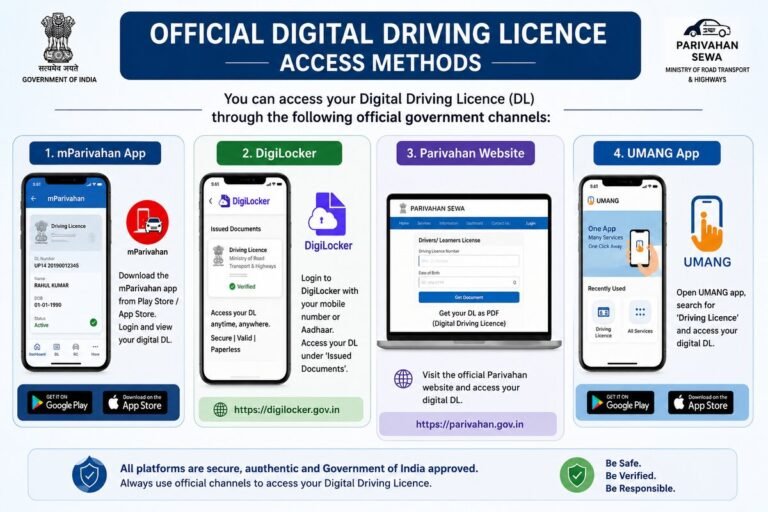
No. Private blogs do not have access to restricted government registries. For security and privacy compliance under national regulations, full vehicle details are accessible only through authenticated official channels like parivahan.gov.in or the mParivahan mobile app.
2. What should I do if my RC status displays as “Expired”?
If a vehicle registration has reached its 15-year validity limit (for non-commercial vehicles), the owner must apply for an RC renewal and vehicle fitness inspection test at their local RTO.
3. Is a virtual RC fetched via DigiLocker legally accepted?
Yes. Under Rule 139 of the Central Motor Vehicles Rules, electronic certificates stored within official platforms such as DigiLocker or NextGen mParivahan hold full legal validity during verification by traffic law enforcement.
Editorial Note: This guide is produced purely for general public awareness and educational guidance. For official inquiries, dynamic updates, and verified state services, please visit parivahan.gov.in.