Sarathi Parivahan Services: Driving Licence Educational Guide
⚠️ Mandatory Public Notice & Legal Disclaimer:
https://vehicleownerdetaill.com/ is a privately owned informational blog. This website is NOT affiliated with, associated with, authorized by, endorsed by, or in any way officially connected with the Ministry of Road Transport and Highways (MoRTH), any State RTO, or the Government of India. The official portal for Sarathi Parivahan services is parivahan.gov.in. We do not provide official documents, process driving applications, or store citizen data.
Understanding Sarathi Parivahan: An Educational Guide to Online Driving License Services
Navigating road transport services online has become significantly simpler with digitized platforms. The Sarathi Parivahan portal, managed officially by the Ministry of Road Transport and Highways (MoRTH) in India, serves as a centralized application framework for citizens seeking driving license (DL) services, learner permits, and driving school verification.
This independent guide provides an informational overview of how the official platform operates, what services citizens can access, and how to navigate the authorized government portal safely.
What is the Sarathi Parivahan Portal?
Sarathi Parivahan is a workflow-based web application developed by the National Informatics Centre (NIC). It consolidates all state-level Regional Transport Office (RTO) operations into a single national database. Through this initiative, applicants can apply for services electronically without needing intermediary assistance.
Key Public Services Available on the Official Portal:
- Application for a new Learner’s License (LL) and Permanent Driving License (DL).
- Online slot booking for driving skill tests at designated RTO tracks.
- Renewal of existing driving licenses and address change updates.
- Application for International Driving Permits (IDP).
- Fee payment processing through authorized e-payment gateways.
How to Access Official Services on Parivahan (Step-by-Step)
To ensure security and authenticity, citizens should always perform transactions directly on the official government web portal. Below is the general step-by-step navigation procedure:
- Open your web browser and navigate directly to the official government address:
https://parivahan.gov.in. - Select the “Online Services” menu option from the primary navigation bar.
- Click on “Driving License Related Services,” which redirects you to the Sarathi application portal.
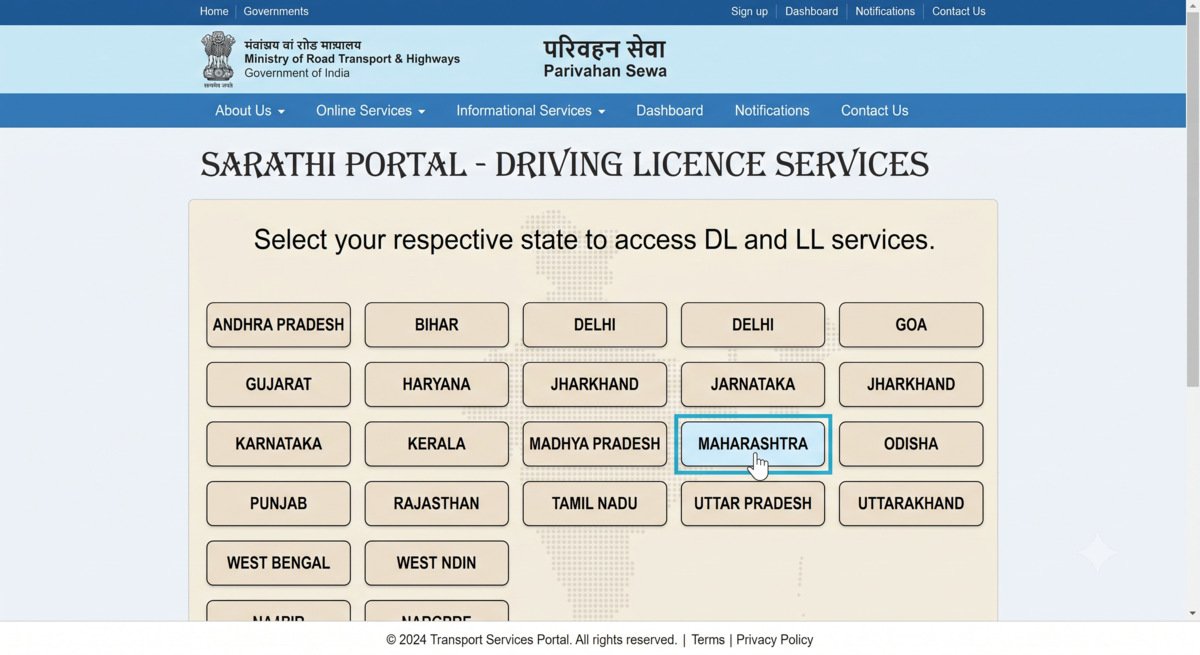
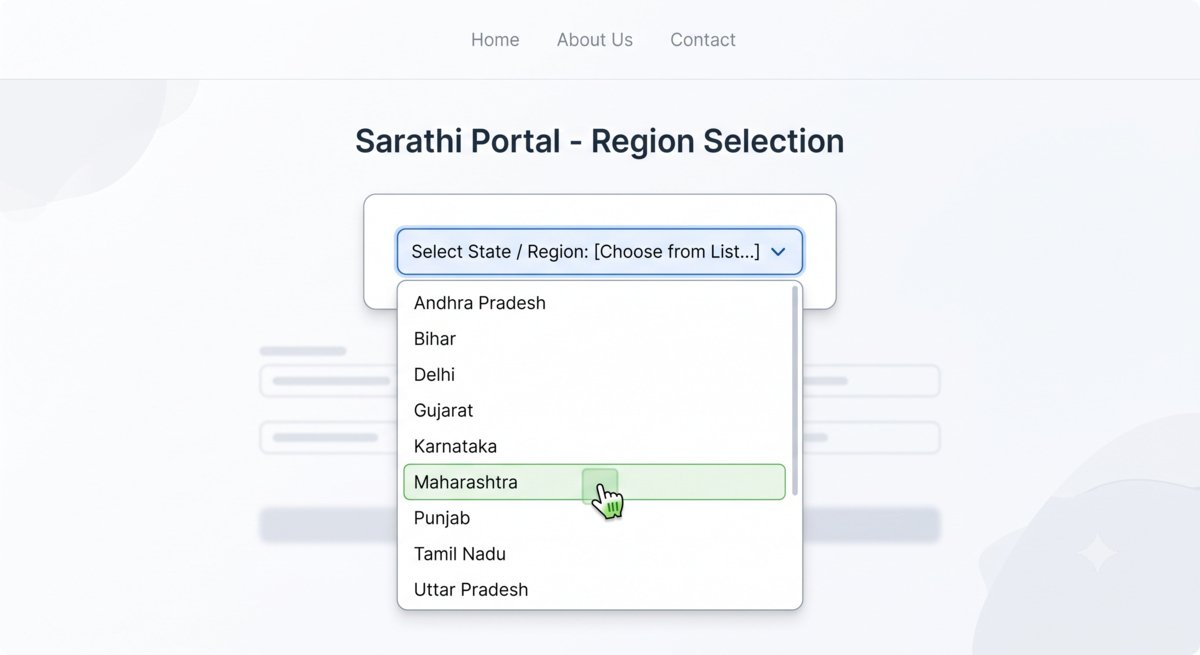
- Choose your respective state from the drop-down menu to view state-specific RTO features and availability.
- Select your desired service (e.g., “Apply for Learner License” or “DL Renewal”) and follow the instructions provided on screen.
🛡️ Online Safety & Security Guidelines:
Never enter your private details (Aadhaar number, banking OTPs, or driving license numbers) on unofficial third-party websites. Official applications will only be processed under domains ending with .gov.in or .nic.in.
Frequently Asked Questions (FAQs)
1. Can I download my driver’s license directly from this blog?
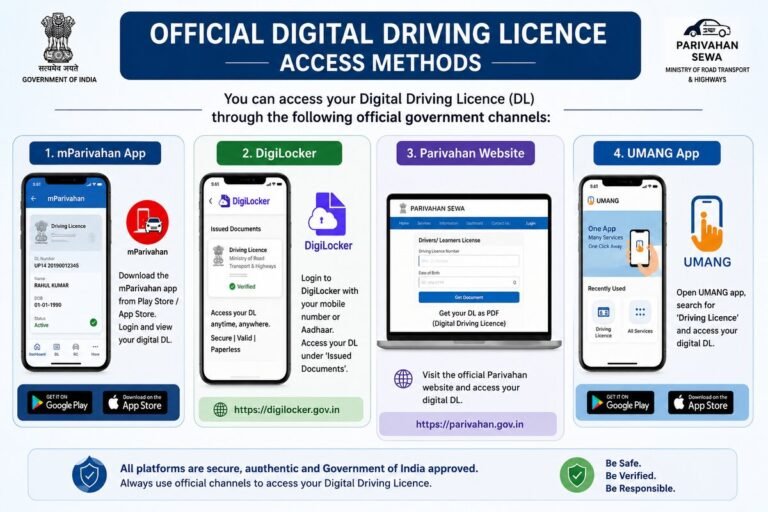
No. Private informational blogs do not have access to national registry databases. To download authentic copies, citizens must use official government channels such as DigiLocker, the mParivahan app, or parivahan.gov.in.
2. What should I do if my RTO application status is pending?
Application processing times vary depending on regional RTO workloads. You can track your real-time status using the “Application Status” tool on the official Sarathi portal using your application number and date of birth.
3. Are digital licenses stored in DigiLocker valid for police checks?
Yes, according to notifications issued by the Ministry of Road Transport and Highways under Rule 139 of the Central Motor Vehicles Rules, electronic documents presented via DigiLocker or mParivahan are legally recognized across India.
Editorial Note: This article is published solely to raise digital literacy and guide citizens on utilizing public web resources. The contents on this page are aggregated from publicly available government press releases. For official helpline support, please visit parivahan.gov.in.